Mapping live quiz questions to Blooms taxonomy without losing the room
How to move live polling past basic recall into analysis, application and evaluation without killing your session's momentum.
· 5 min read · Fiona

Most live quizzes test only the bottom tier of Bloom's taxonomy: remember. A presenter asks for a definition, four choices appear, the room picks within six seconds, and everyone glances at a leaderboard. That confirms vocabulary, but it tells you nothing about whether people can use the concept five minutes later.
Pushing higher up the taxonomy during a live session usually fails because hosts try to run higher-order thinking through standard four-option recall questions. Participants guess fast, or the question takes three minutes of silent reading that deflates the energy in the room. Mapping the cognitive level to the exact slide format fixes this balance.
Remember: restrict recall to speed and clean vocabulary
Recall questions check whether terms and basic definitions landed before you build on them. Keep them short, with unambiguous answers.
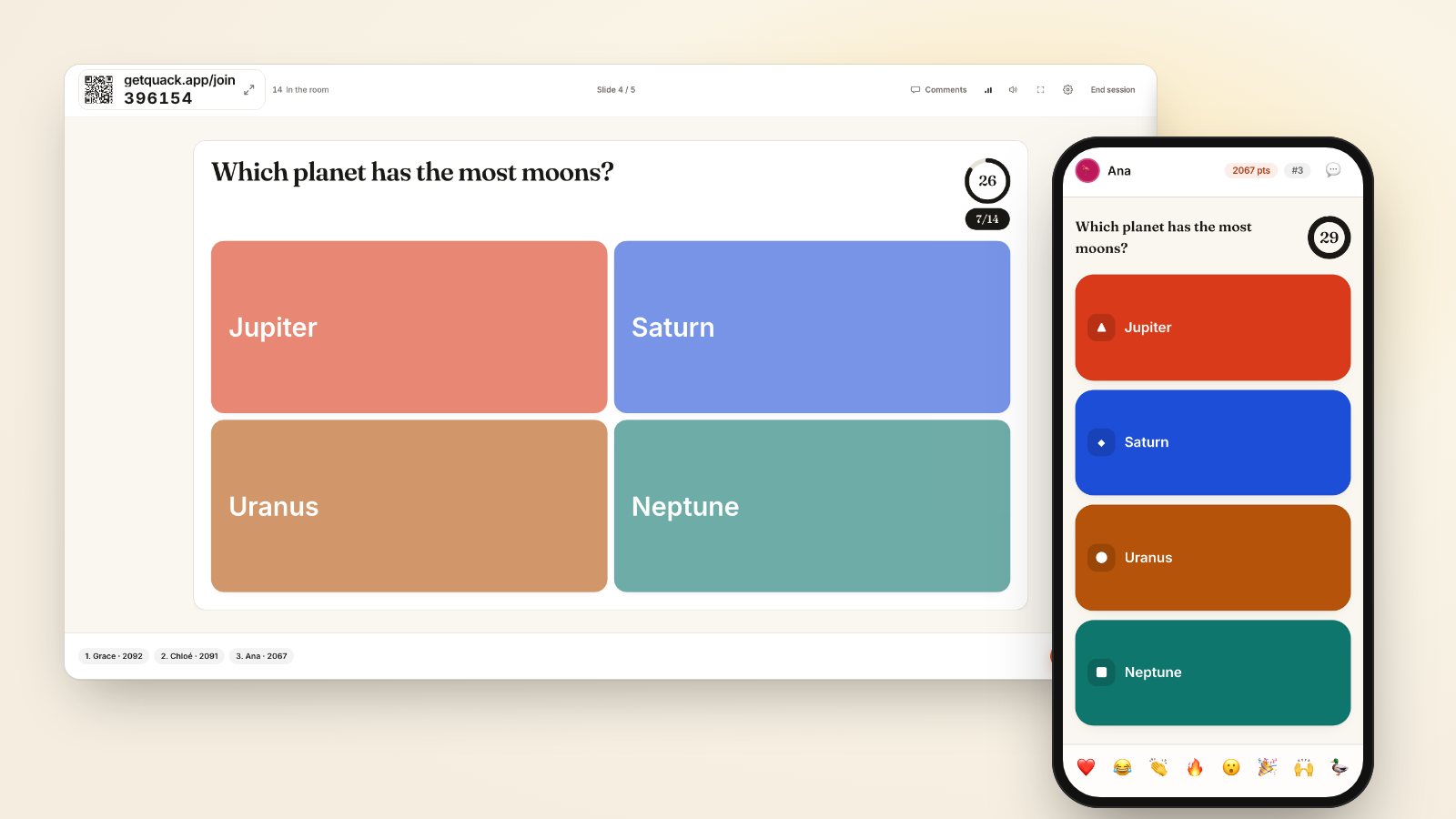
Use standard multiple choice or true/false formats. When you write multiple choice for basic recall, set the timer to 20 seconds. If an attendee knows the definition, they know it in eight seconds; if they do not know it, an extra 30 seconds only invites random clicking. Quack starts most quiz questions at a 20-second default for this reason.
If you want to test whether terminology has settled without showing options that give away the answer, use a fill-in-the-blank sentence under type the answer. The prompt shows a sentence with a missing gap, drawn with an underline on both the projector and the phones. That forces pure recall rather than recognition.
Keep recall questions grouped early in a block. Two quick recall questions establish common vocabulary; four in a row feels like a school test. For why speed scoring changes how people approach these quick items, read why participants guess early.
Understand: demand relationships instead of isolated facts
Understanding requires explaining ideas, grouping related elements or distinguishing between similar principles. A single multiple-choice question rarely catches a failure of understanding because guessing correctly masks a misconception.
Two formats surface understanding quickly:
- Match pairs. Give the room two to six terms on the left and their underlying definitions, real-world examples or contrasting opposites on the right. In Quack, participants tap an answer to fill each gap, and they receive partial credit for each correct pair. Seeing a participant get two out of four right tells you exactly which boundary condition they confused.
- Put in order. Sequencing requires grasping cause, effect and process hierarchy. Ask participants to order four steps in a technical workflow or historical sequence. Quack shuffles the sequence on each phone, and attendees drag items into place. Because points reward correct sequences with partial credit, the result reflects comprehension rather than luck.
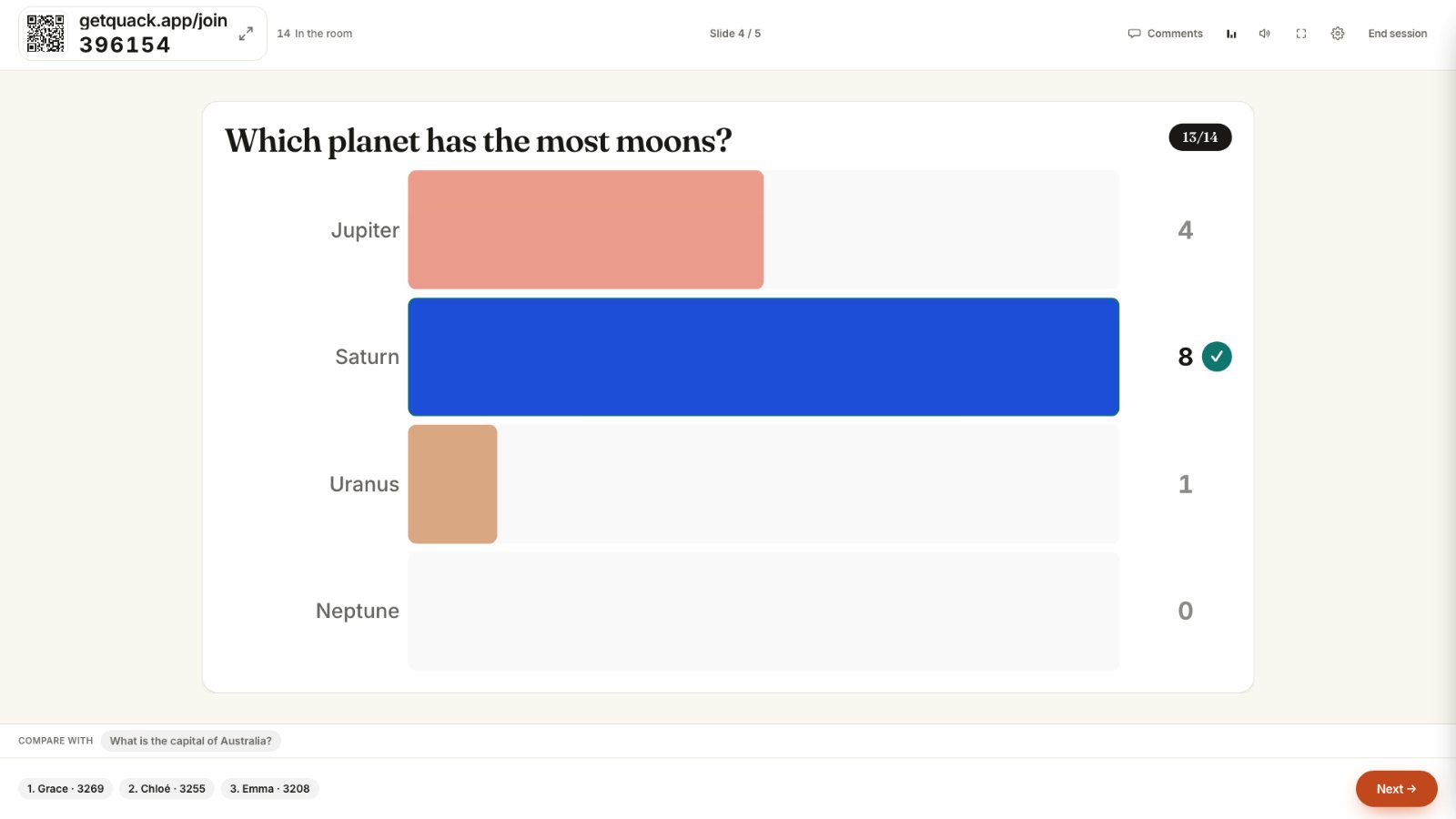
When the reveal displays partial scores across the room, spend 30 seconds addressing the specific pair or sequence boundary where participants dropped points. For strategies on using these split responses productively, see quiz questions that split the room.
Apply: present a specific scenario with a single missing decision
Application asks the learner to use information in a concrete situation. Presenters often make the mistake of pasting long case studies onto slides. When text exceeds three sentences, participants stop looking at each other and read silently from their phones, killing group momentum.
Keep the scenario under 35 words. Establish the premise in two sentences, then ask for the correct next step. Guess the number is an effective application format for numerical or operational rules. Instead of asking for a textbook formula, provide the parameters of an operational problem and ask the room to calculate the output, such as: "Given 12 support tickets and 3 engineers available for 4 hours, how many minutes per ticket?"
Set the slide timer to 45 or 60 seconds to allow for active calculation. In Quack, you set a target number and an acceptable margin, such as plus or minus 2. Everyone who calculates inside that window receives points upon reveal. The resulting spread demonstrates whether the room can apply the formula under time limits.
Analyze: contrast tradeoffs using unstructured input
Analysis requires breaking material into component parts and determining how those parts relate to an overall structure. This is where scored questions give way to polling and continuous distribution slides.
Replace multiple-choice options with formats that capture relative weight:
- Allocate points. Give players a budget of 100 points and ask them to divide it among four competing priorities or organizational risks. This prevents the easy cop-out where attendees select "all of the above." The aggregated chart immediately highlights which trade-offs the group prioritizes.
- 2×2 grid. Define two axes, such as effort versus organizational impact, or urgency versus tactical complexity. Participants drop a single pin on their screen to position an initiative. The projector maps the entire cluster of dots, revealing divergent mental models across the room.
These formats have no right answer. Quack keeps interactive polls anonymous, showing aggregated responses without names on the shared screen so participants share unvarnished analysis without reputational risk. To decide when to reveal identities versus keeping entries hidden, review anonymous versus named responses.
Evaluate and create: force justification and open-ended synthesis
Evaluation demands critique, appraisal and defensible judgment. Creation requires compiling components into a new pattern or proposal. Neither tier can be evaluated through a pre-set list of four options.
Use open-ended interactive formats that invite real-time review:
- Live Q&A with upvoting. Rather than answering questions yourself, pose an evaluation prompt: "Which step in this proposal carries the highest risk of failure, and why?" Participants submit answers up to 200 characters and upvote peer submissions. The room evaluates the quality of each other's reasoning in real time.
- Open text. Ask for a one-sentence critique of a sample solution. Quack displays the submissions as they arrive. Select two contrasting submissions from the room and ask the authors to elaborate out loud.
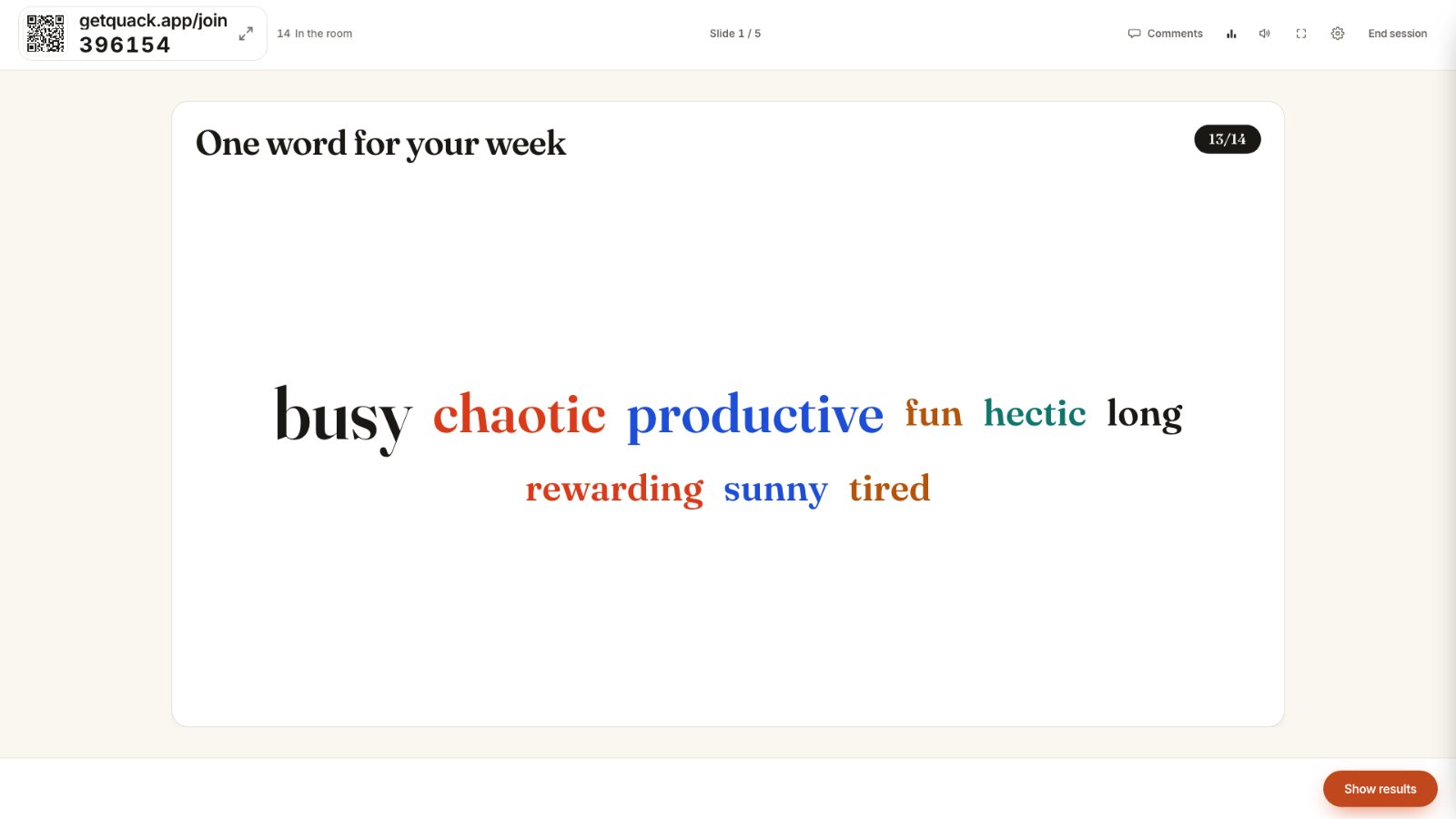
- Word clouds for rapid evaluation. Ask for a single word that describes the primary weakness of a presented strategy. Repeated concepts grow larger on the big screen, surfacing the group consensus in under thirty seconds.
Structure your next deck with deliberate cognitive stepping
Take a twelve-slide deck you plan to deliver next week. Categorize every existing question against Bloom's taxonomy. If eight of them sit at the remember tier, remove four of them.
Replace those four recall questions with one match-pairs exercise to test understanding, one 100-point budget allocation to force analysis of trade-offs, and an open Q&A upvote to evaluate risk. That progression moves the room from passive recall to rigorous judgment in twenty minutes, using the phones they already hold.