How to design onboarding quizzes that prevent first month mistakes
Stop testing handbook trivia during new hire training. Here is how to write scenario questions that expose expensive operational errors early.
· 4 min read · Fiona

Most onboarding quizzes test whether a new hire read page four of the company PDF. They ask what year the company was founded, where to find the holiday schedule, or what the company values mean. New hires answer correctly, pass the module, and three weeks later delete a client folder, approve an unauthorized invoice, or page the wrong on-call engineer during an outage.
Testing recall of administrative facts creates a false signal of competence. If a mistake during week three costs hours of rework or triggers an incident, test that exact scenario in week one. A diagnostic onboarding quiz surfaces dangerous assumptions before anyone touches live systems.
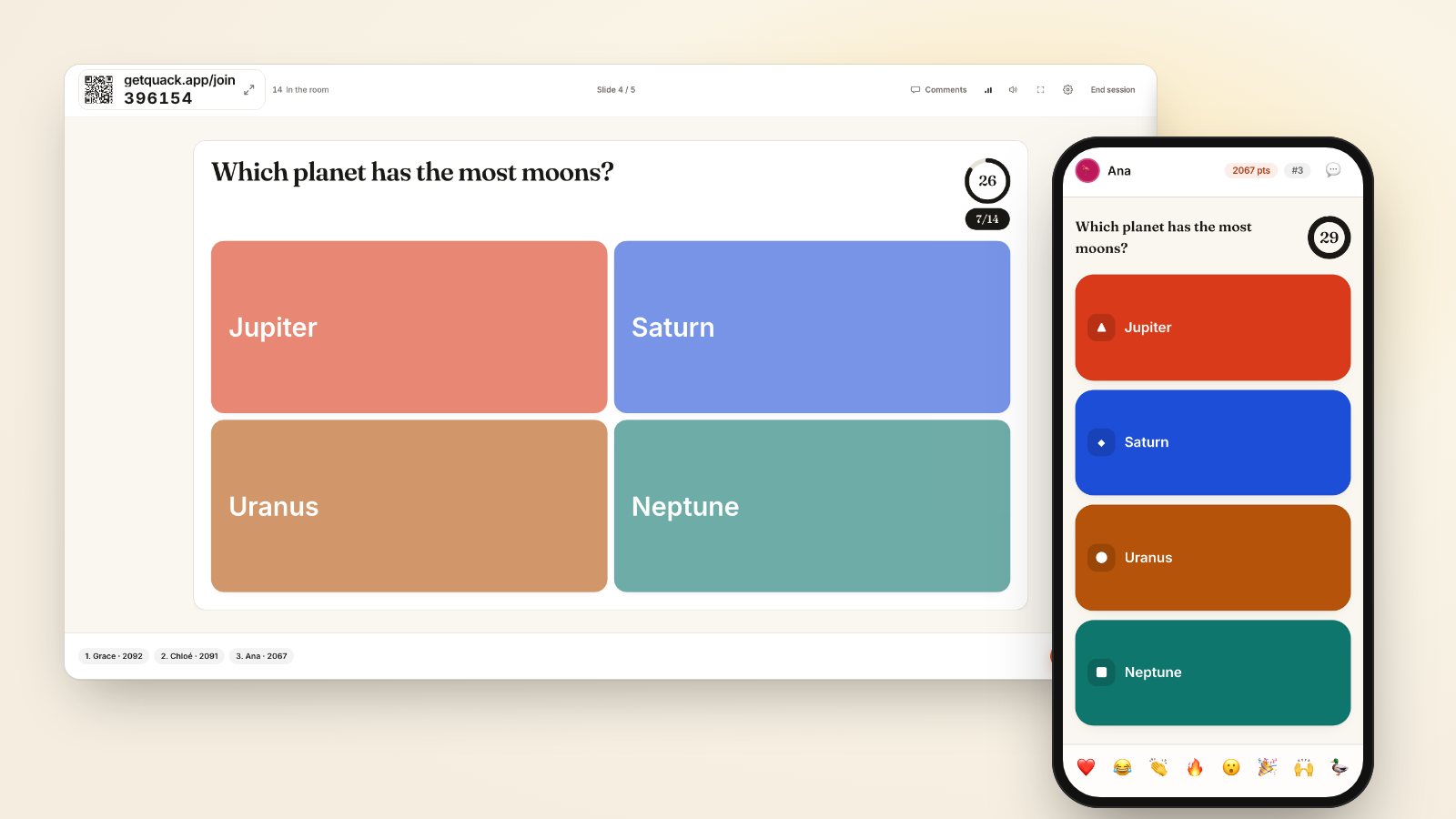
Pull prompts directly from post-mortems and tickets
Start your deck by looking at the last ten real mistakes made by people in their first ninety days. Ask your team leads what tickets had to be escalated because someone took an intuitive step that turned out to be wrong. These incidents become your questions.
Instead of asking:
- "What is our policy on production access?"
Ask:
- "A client reports an urgent data discrepancy at 17:30 on a Friday. The lead developer is offline. What is your first action?"
Offer four realistic options. Three should be plausible actions that an intelligent, well-meaning person might take based on habits from their previous company. The fourth is the actual team protocol. If five out of eight new hires choose "Directly query the backup database to verify the rows", you just identified an operational risk that no lecture would have caught.
Scored question formats like multiple choice, true or false, and type the answer work well here. If you need to evaluate a sequenced procedure, such as a deployment checklist or an incident response runbook, put-in-order questions reveal whether they understand the actual workflow or just recognize the terminology.
Set the scoring to reward reflection instead of speed
When a live quiz uses speed scoring, participants rush to tap the first option that looks familiar. They scan keywords, recognize a word from the morning presentation, and hit it before thinking through the implications. That defeats the purpose of scenario training. Why participants guess early breaks down how fast timers encourage superficial matching over genuine analysis.
In your deck settings, switch scoring to Accuracy only. Under Accuracy only, every correct response submitted before the timer ends receives full points. A new hire who pauses for twenty seconds to weigh two complex choices earns the same score as someone who guessed in two seconds. This simple toggle changes the atmosphere in the room from a game show to a thoughtful simulation.
Set timers between 30 and 45 seconds for scenario prompts. That leaves enough time to digest a two-sentence situation without letting the energy lag.
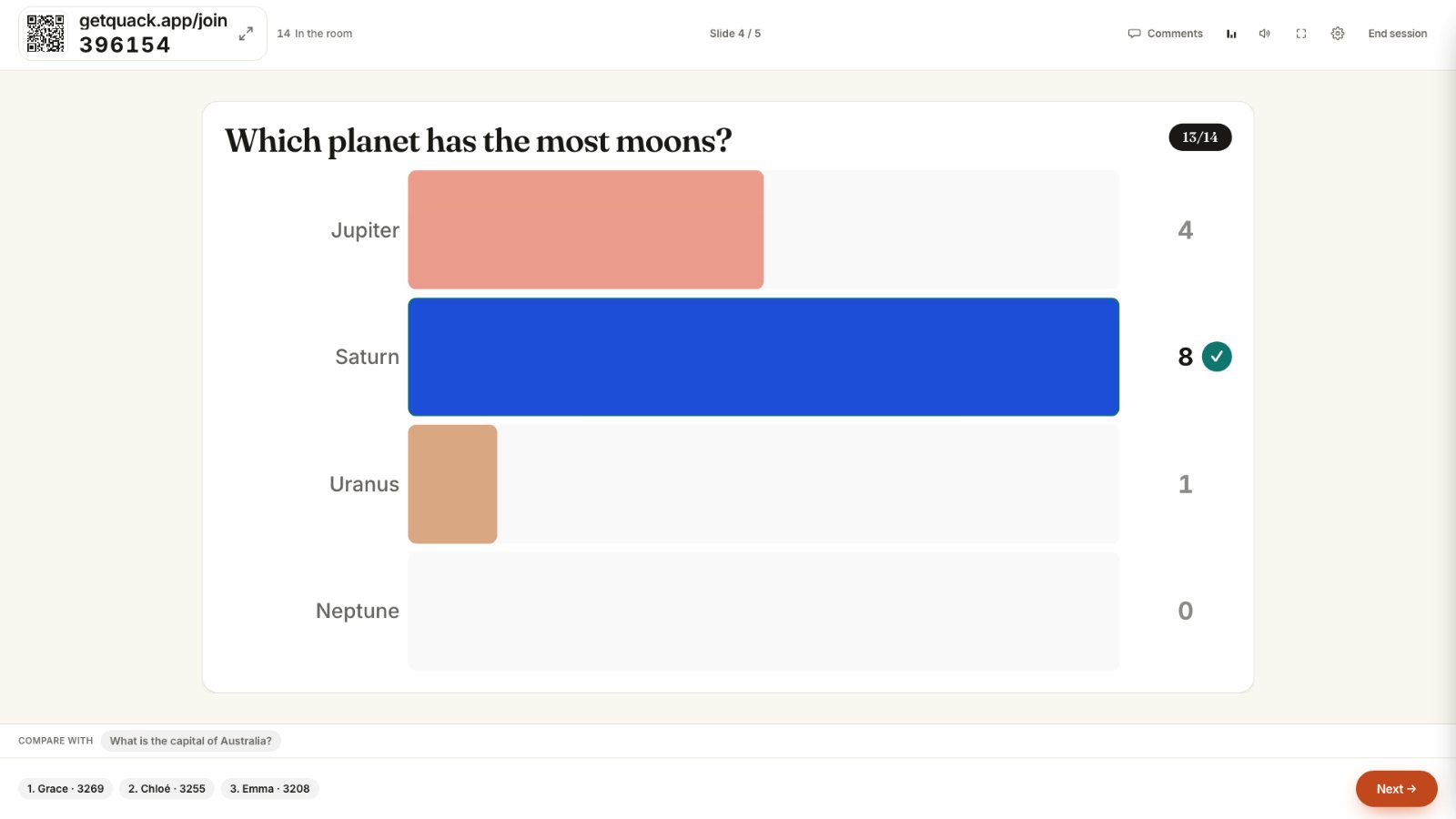
Treat the reveal as the primary teaching tool
In standard training sessions, the host clicks through the answer screen in three seconds and moves to the leaderboard. In a risk-prevention session, the reveal screen is where the actual training happens.
When the room splits across options, stop. Look at the chart. If six people picked Option B and four picked Option C, do not announce the right answer right away. Ask someone who picked Option B to explain their reasoning. They will often describe a standard practice from their last workplace. Once they lay out the logic, ask someone who picked Option C to explain why that route creates a hidden risk in your specific tech stack or compliance framework.
Our guide on questions that split the room covers how to design distractors that provoke this kind of debate. The goal is to let new hires see the friction between standard industry practice and your company's operational reality while the stakes are zero.
If nearly everyone picks the wrong answer, you have found a gap in your training materials, not an employee defect. Note the slide, update the morning documentation, and address the misconception on the spot.
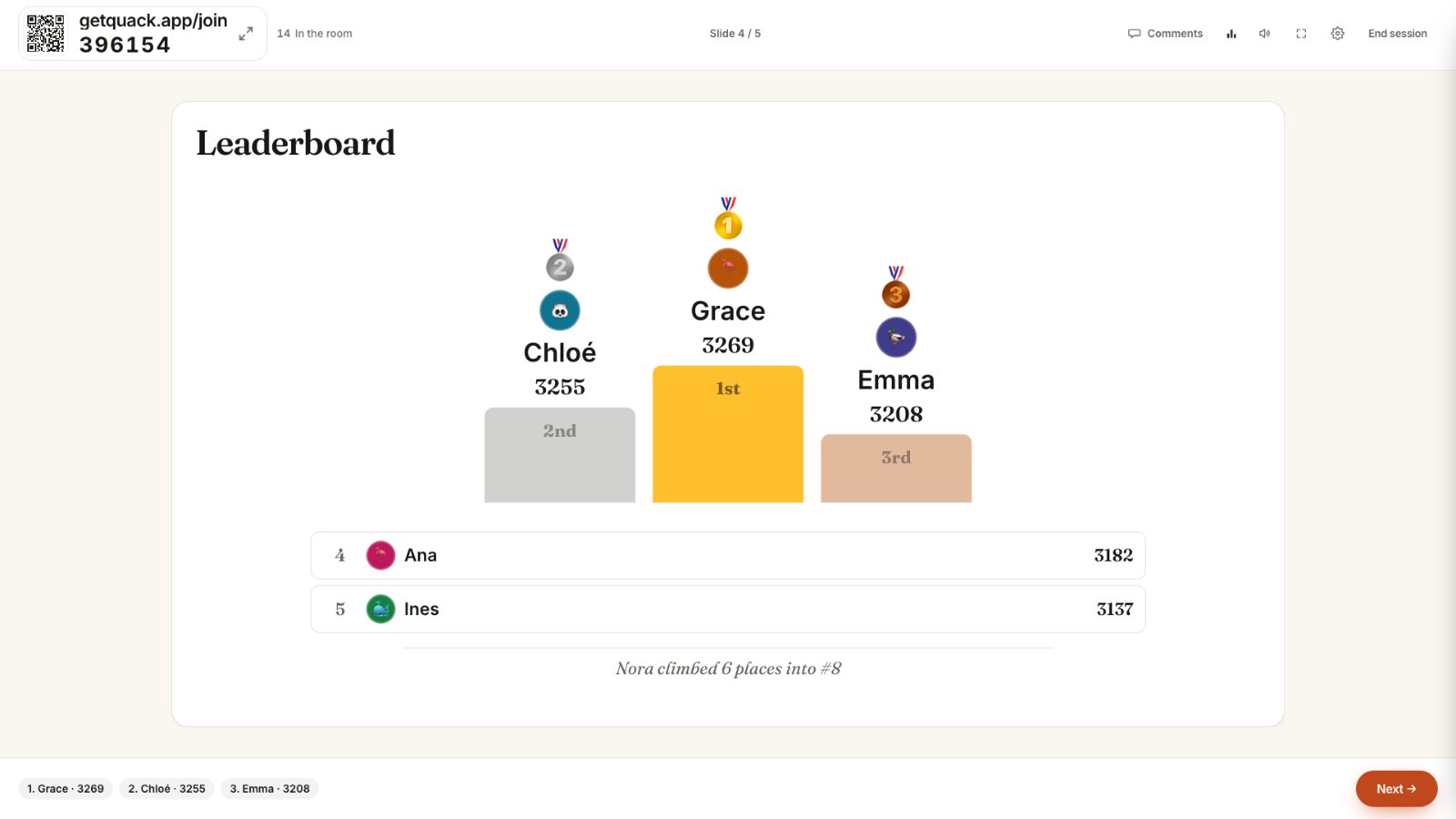
Alternate between scored scenarios and anonymous reality checks
High-pressure testing can cause new hires to mask what they do not know. To keep them candid, balance scored questions with unranked response formats.
Pair a tough scored question with a live poll or an open text prompt. For instance, after running a scored scenario on handling client refunds, follow it with an anonymous rating scale: "How confident do you feel applying this policy without a manager reviewing it?" Because Quack keeps rating scales, polls, and open text anonymous by default, people will answer honestly rather than projecting total confidence.
If the scored question showed 90 percent accuracy but the anonymous rating scale shows an average confidence of 2 out of 5, you know the team needs more guided practice before handling live tickets alone. Reading anonymous totals on the big screen lets you adjust your agenda immediately instead of finding out during their first monthly review. You can read more about balancing public competition with private input in formative questions that change the next ten minutes.
Audit your onboarding deck today
Open the presentation you plan to run for your next cohort of new hires. Review every question and delete anything that tests corporate trivia, founder lore, or simple definitions.
Replace those questions with five concrete scenarios based on actual mistakes made in your department during the past six months. Turn on Accuracy only scoring, give each scenario a 40-second timer, and plan to spend two full minutes discussing the reveal screen for each one. You will turn your onboarding quiz into an early warning system that protects both the team and your new hires.