How to run a project kickoff with live polls that catch misalignment early
Expose unspoken scope risks, clarify unclear ownership, and test alignment during your kickoff before work starts.
· 4 min read · The Quack team

A project kickoff usually fails quietly. The project lead talks through twenty slides detailing the timeline, scope, and deliverables. At the end, they ask if anyone has questions. Nobody speaks, everyone nods, and two weeks later two engineers discover they each thought the other owned the database migration.
Nodding along in a kickoff does not mean agreement; it means compliance with the agenda. To find out where a cross-functional team actually stands, replace status monologues with anonymous interactive prompts. You want to see the doubt on the big screen while everyone is still in the room.
Get the whole team into the room in forty seconds
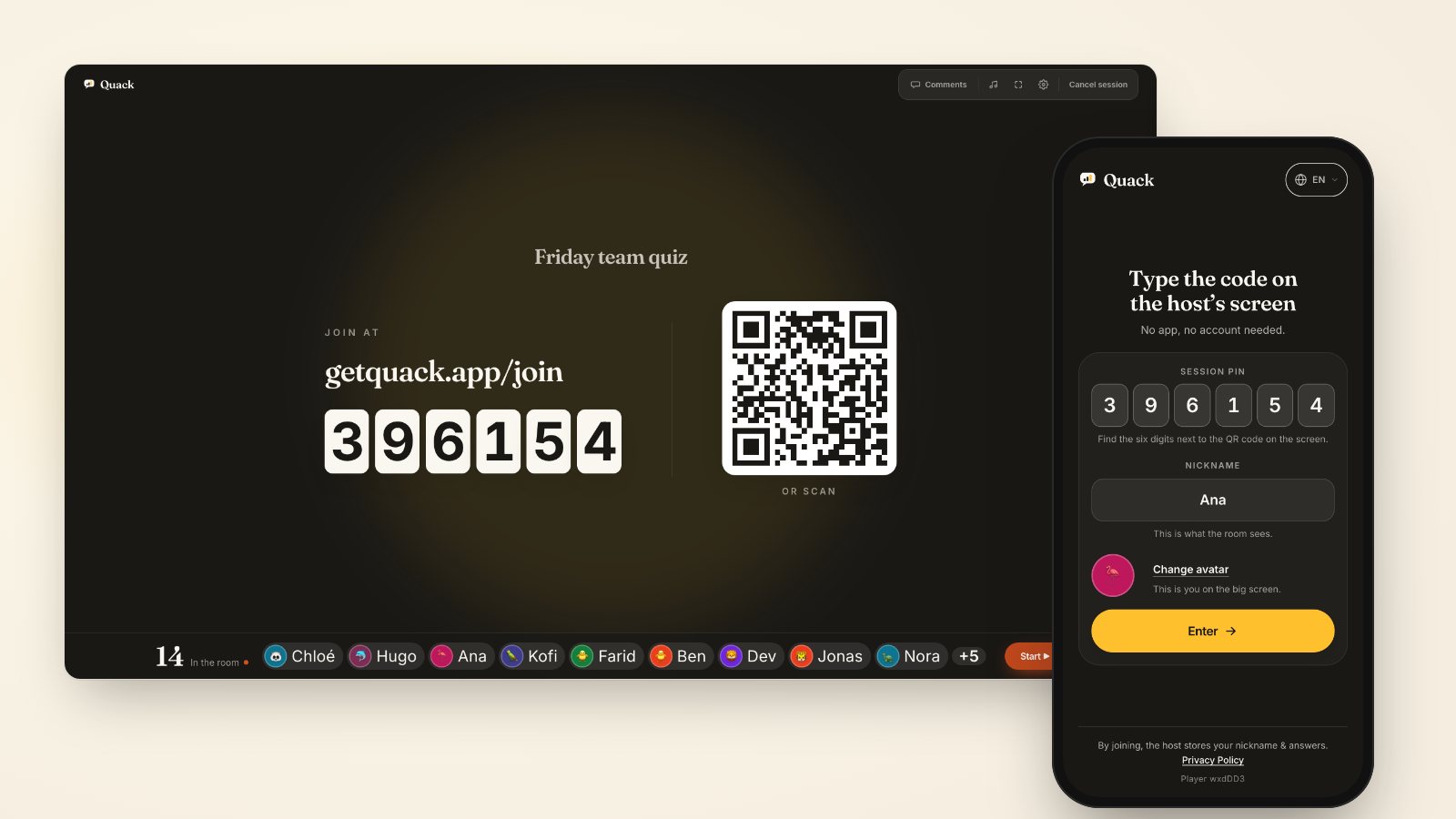
Start the session with getquack.app/join and the six-digit PIN on the screen. Because players join straight from their phone browser without installing an app or registering an account, twenty people can join inside forty seconds.
Keeping responses anonymous is critical for this meeting. In Quack, polls, rating scales, word clouds, open text, and live Q&A are anonymous by design: the screen shows the distribution of answers without names, and the saved results keep only the aggregate totals. An engineer or designer who will not contradict a director out loud will freely vote on their phone if their name is not attached to the vote. Read more on why this changes participation in anonymous versus named responses.
Test timeline confidence with a rating scale
Do not ask the team if the delivery date is realistic. Verbal questions select for optimism and seniority. Instead, put up a rating scale slide from 1 to 5: "How confident are you that we will ship Phase 1 by November 15?"
A healthy kickoff does not produce unanimous fives. If sixteen people vote, you might see eight votes at 4, four at 3, and four at 2.
That distribution is your real starting point. When four people vote 2, you do not need to hunt down who voted where. You turn to the room and say: "A quarter of the room sees real schedule risk. What are the dependencies that could blow up this date?" Because the screen proves four people share that concern, the room feels permission to speak. When you look at summary metrics instead of the raw distribution, you miss that split; why average scores hide disagreement walks through how a 3.2 average often hides two groups in total opposition.
Uncover hidden blockers with a live word cloud
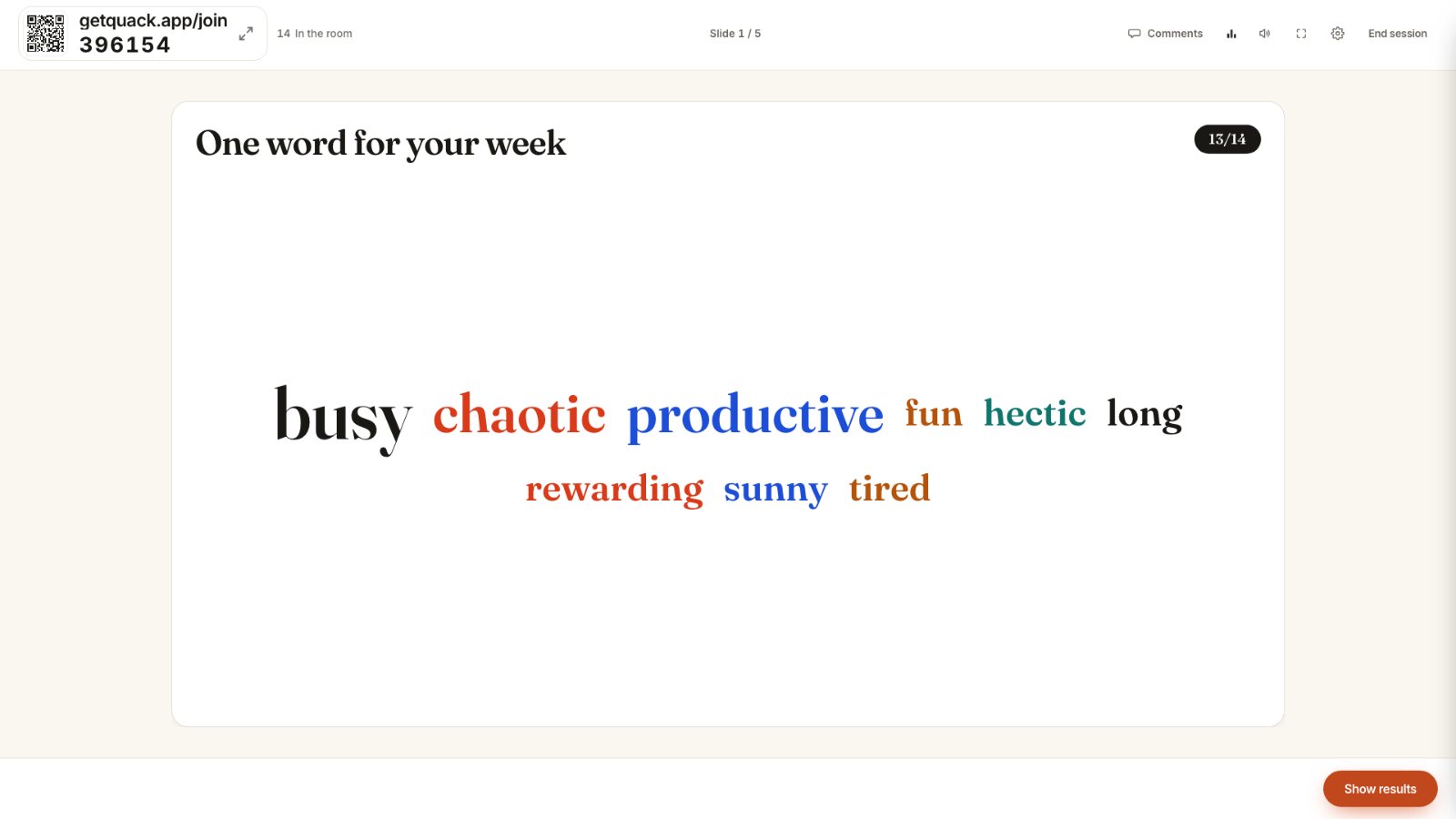
Follow the schedule check with an open-ended temperature check: "What is the single biggest threat to this project?" Run this as a word cloud.
Within twenty seconds, text appears on the big screen. The words grow as multiple people enter the same concern. In a typical engineering kickoff, you will see terms like APIs, approvals, design review, or bandwidth pull ahead.
If ten people independently enter approvals, you have identified the primary constraint of the project before writing a single ticket. Allocate the next twelve minutes to defining the sign-off workflow right then. If you run into quiet groups, using specific prompts from questions that get honest answers keeps answers direct and practical.
Force explicit scope boundaries with This or That
Scope creep happens because requirements documents leave room for subjective interpretation. A line like "provide export tools" means CSV export to product, but full PDF report generation to sales.
Use a This or That poll or single-choice poll to force choices on edge cases. Present concrete trade-offs:
- "Phase 1 export: Raw CSV download OR formatted PDF report?"
- "User sign-up: Self-service email invite OR admin approval required?"
- "Legacy data: Migrate past three years OR start fresh from launch?"
Give thirty seconds per question. When the room splits 50/50 on a scope boundary, you have caught a conflict that would have caused two weeks of redesign later. Settle the decision immediately, update the project brief slide, and move forward.
Map ownership with a multiple-choice question
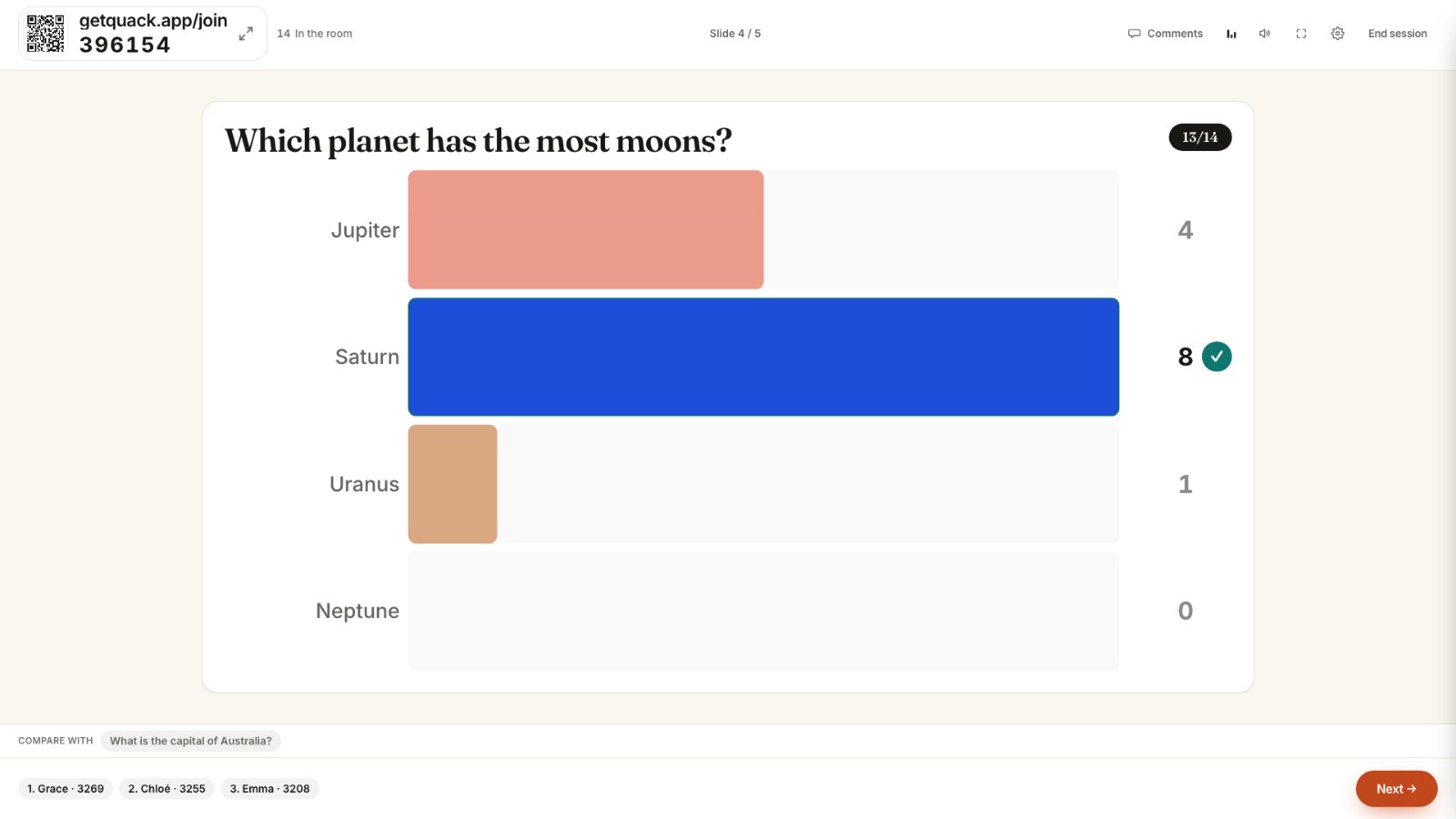
Unclear ownership creates abandoned tasks. Test role clarity with a direct question: "Who makes the final call when design and engineering disagree on a component?"
Provide clear options:
- Lead Engineer
- Product Designer
- Product Manager
- Consensus required
If five people select Product Manager and eight select Lead Engineer, you have documented an active operational conflict. The fix is not to debate it endlessly. The project lead states the actual owner, notes it on the screen, and clarifies the escalation path.
Collect the unvoiced questions before adjourning
Close the interactive deck with a live Q&A slide with upvotes. Instead of asking for hands, leave the prompt open on phones for two full minutes: "What haven't we talked about that will bite us later?"
Participants submit questions anonymously and upvote issues submitted by colleagues. The issues floating to the top are rarely technical; they are usually administrative dependencies, vendor approvals, or competing quarterly priorities. Address the top three upvoted items before wrapping up.
For your next kickoff, open Quack, create five slides (one rating scale on timeline confidence, one word cloud on project risks, two single-choice polls on contentious scope boundaries, and an upvoted Q&A slide), and run them in the first twenty minutes. You will spend the rest of the meeting solving actual friction rather than presenting assumptions.