How to run a team retro with live polls without killing the conversation
Use live polling to surface real team friction during retrospectives without letting votes replace honest debate.
· 5 min read · The Quack team

A live poll in a retrospective can kill a discussion before it begins. A facilitator puts five sprint topics on screen, asks the team to vote on what went wrong, and everyone looks at the tall bar on the chart. The room agrees that item number three won the vote, spends forty minutes talking about CI pipelines, and walks out without ever discussing why half the team felt ignored during code review.
Voting creates a false sense of closure. When numbers show up on a screen, groups treat them as an answer instead of an invitation to speak. Polling belongs in a retro, but only as a diagnostic probe to uncover tension, never as a decision engine that picks the winner and silences the rest.
Frame questions around friction instead of satisfaction
Broad sentiment polls give you flat, useless data. Asking "How did this sprint feel on a scale of 1 to 5?" produces a safe average of 3.4 that tells you nothing. Two engineers might be close to quitting while three others had a quiet week. The average hides the crisis.
Ask questions that force an assessment of specific trade-offs:
- "Which process cost us the most engineering hours this sprint?"
- "Where did we compromise on quality to meet Friday's release?"
- "What topic did we avoid bringing up in standup this week?"
Use formats that match the vulnerability you need. In Quack, polls, rating scales, word clouds, open text and Q&A are anonymous by design: the screen shows answers without names, and the saved results keep only the totals. Anonymity allows team members to submit harsh truths without worrying about interpersonal blowback. Understanding anonymous versus named responses helps you choose when to remove names and when to demand ownership.
Open with a single word cloud to clear the room's backlog
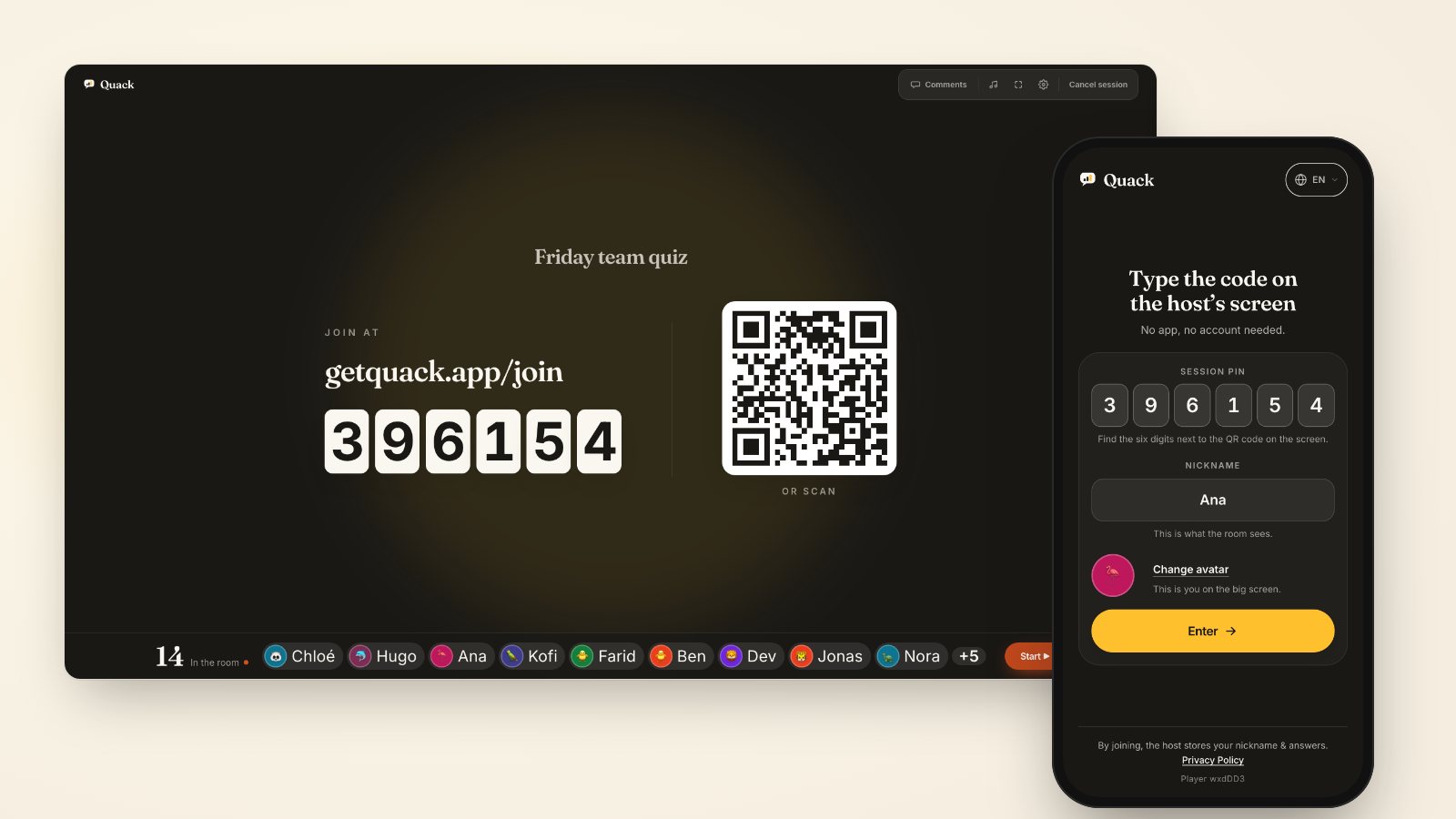
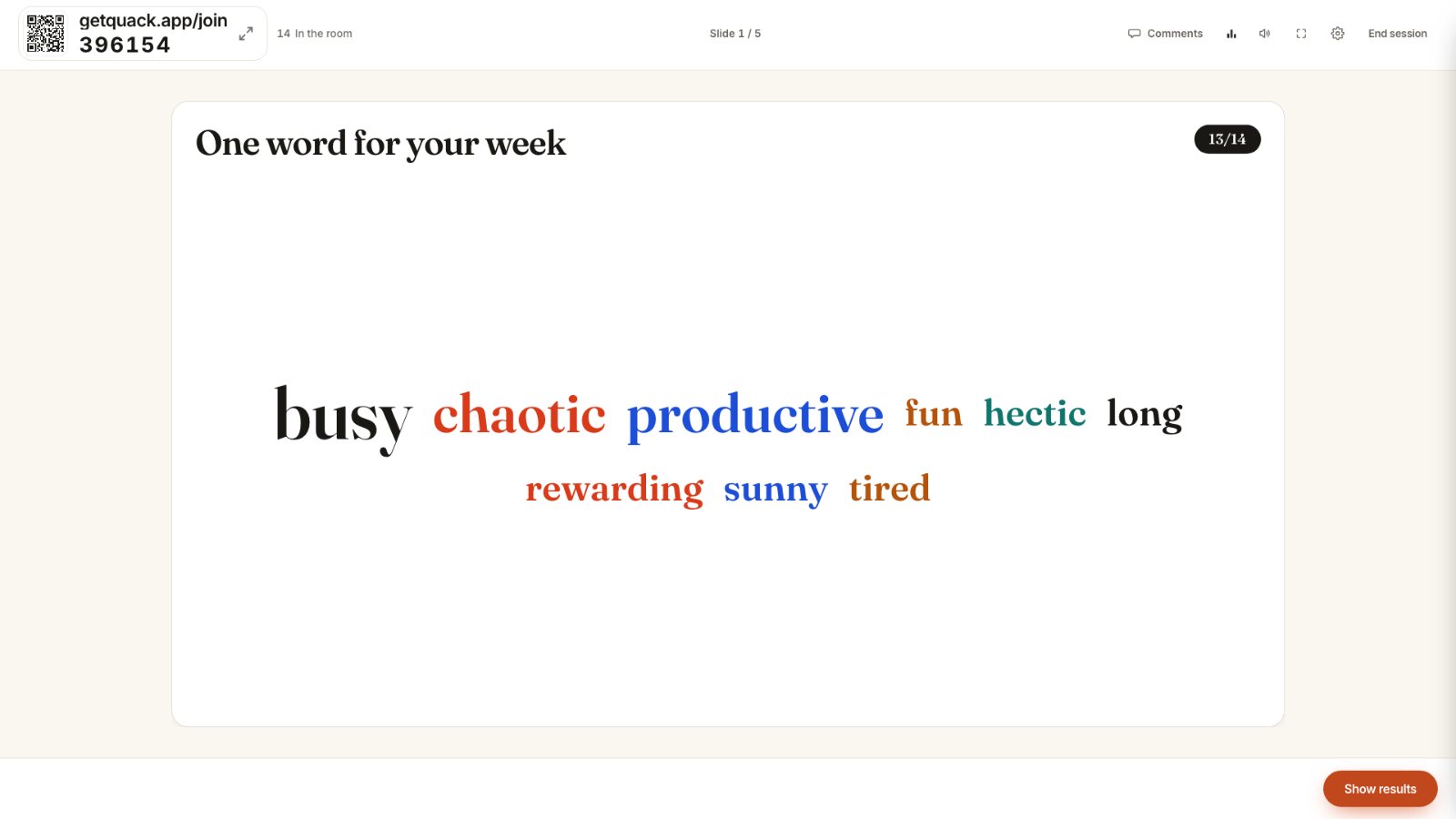
Start the retro while people are taking their seats. Put a word cloud prompt on screen: "One word describing our last release cycle." As team members join via getquack.app/join and scan the QR code from their phones, their submissions appear immediately.
Do not jump straight into fixing the largest word. If "chaotic" and "blocked" dominate the cluster, acknowledge the pattern aloud: "We see a lot of friction around release day." Then look at the perimeter. Point out the single outlier word, such as "lonely" or "rushed," and ask the room: "Someone typed 'lonely' here. Without naming names, what work pattern in this sprint might make someone feel isolated?"
This technique shifts the exercise from self-defense to collective problem solving. The prompt does not seek consensus. It validates frustration so participants do not carry quiet resentment through the rest of the agenda. For more ideas on effective prompts, see word cloud questions that actually work.
Probe the minority split instead of the majority bar
When a multiple-choice poll finishes, facilitators usually read the tallest bar: "Seven people said requirements changed mid-sprint, so let us talk about scope creep." That habit discards the most informative data points.
The value of a poll lies in the disagreement. If nine people say communication was fine, but two select "Poor," those two people experienced a breakdown that the majority never noticed. If you only discuss what the nine picked, the blind spot remains unaddressed.
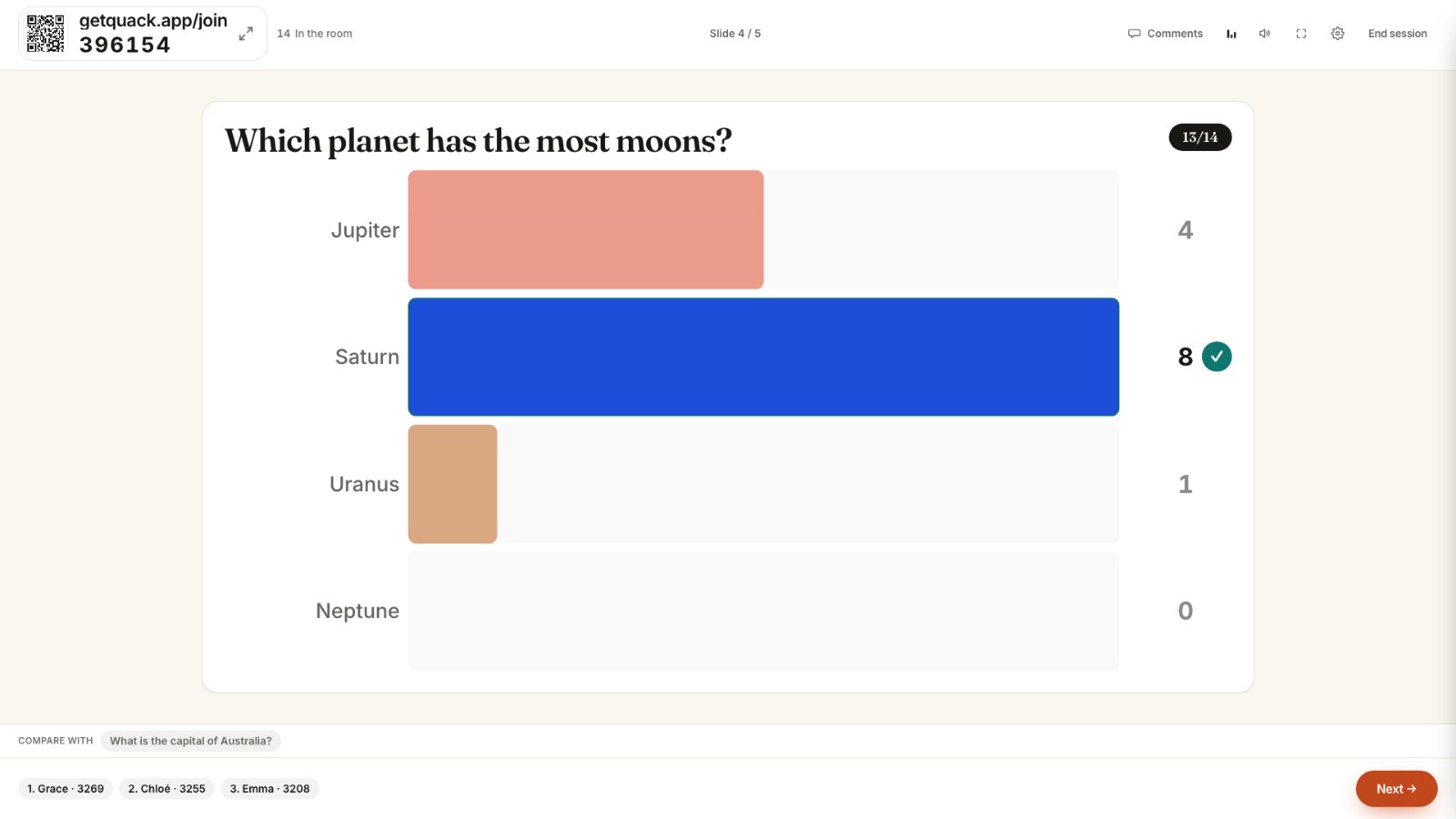
Run the poll, inspect the distribution, and immediately focus on the non-consensus votes:
- "We have eight votes for test automation and three votes for product specs. I want to hear from the case for product specs first. What happened there that the rest of us might not have seen?"
- Ask for concrete examples rather than general opinions: "Can someone describe a specific ticket where specs were missing?"
- Keep the prompt neutral so the minority does not feel cornered into defending a vote.
Treating the distribution as a live map of team perception reveals why why average scores hide disagreement. You are not hunting for a majority mandate; you are mapping where the team's experiences diverged.
Use ranking and rating scales to expose hidden costs
A common failure mode in agile retros is spending fifty minutes complaining about an annoyance that costs twenty minutes a week, while ignoring a structural flaw that burns two days. Rating scales and ranking slides force the team to evaluate impact against frequency.
Set up a ranking slide with four distinct pain points from the past month:
- Flaky integration tests
- Ad-hoc client requests
- Ambiguous PR feedback
- Mid-sprint priority changes
Ask the team to rank them not by how annoying they feel, but by how many hours of deep work they destroyed. When the results land on the projector, check for bimodal patterns. If junior developers rank PR feedback as the primary blocker while senior developers rank it last, you have identified a mentorship bottleneck that standard standups missed completely.
Give the room twenty seconds of silence after the results appear. Let the team absorb the visual disparity. Silence encourages participants to process what their colleagues are experiencing before someone jumps in to defend existing habits.
Move from voting to an upvoted Q&A for action items
Never use a poll to vote on action items directly. When a facilitator writes three solutions on the board and asks the room to pick one via a multiple-choice poll, people vote for the path of least personal effort, not the one that fixes the problem.
Instead, run a live Q&A slide where participants submit proposed commitments from their phones. As ideas appear on the screen, the team upvotes the proposals they are willing to support:
- "Cap all code reviews at 200 lines of diff."
- "No deployment after 3 PM on Thursdays."
- "Design reviews happen before tickets enter the sprint backlog."
Review the top three upvoted suggestions with the room. Before locking an item into the team charter, ask for objections: "This proposal has nine upvotes. Who feels this would slow them down or cause unintended side effects?" Listen for hesitation. A live poll can reveal support, but human commitment requires verbal confirmation.
Take the two action items with genuine consensus, assign an owner and a measurement date for next sprint, and close the session. In your next retrospective, drop the open-ended "What went well" whiteboards. Build a lean five-slide deck with Quack: one temperature-check word cloud, two friction polls, and a live Q&A prompt. Run the first poll within three minutes of starting, and use the spread of answers to drive the debate rather than end it.