What to do when nobody answers your live question
Fix dead air during live polls and quizzes by diagnosing connection stalls, lowering social stakes, and rescuing stuck prompts.
· 4 min read · The Quack team

A slide appears on the big screen, the timer counts down, and the counter stays at zero. Fifteen seconds pass. The room looks at the floor, you look at the screen, and the air leaves the room. Every facilitator runs into this moment eventually.
When a live question stalls, the room is hitting friction between reading the prompt and tapping a screen. Standing in front of twenty silent people makes five seconds feel like five minutes, which tempts hosts to scramble, apologise, or abandon interactive slides entirely. You do not need to abandon the deck. You need a fast sequence to find the obstacle, clear it, or move on without making the room feel guilty.
Check the mechanics before assuming disinterest
Before you conclude that the room dislikes the topic, rule out the hardware. Technical and physical blocks create total silence faster than awkward questions do.
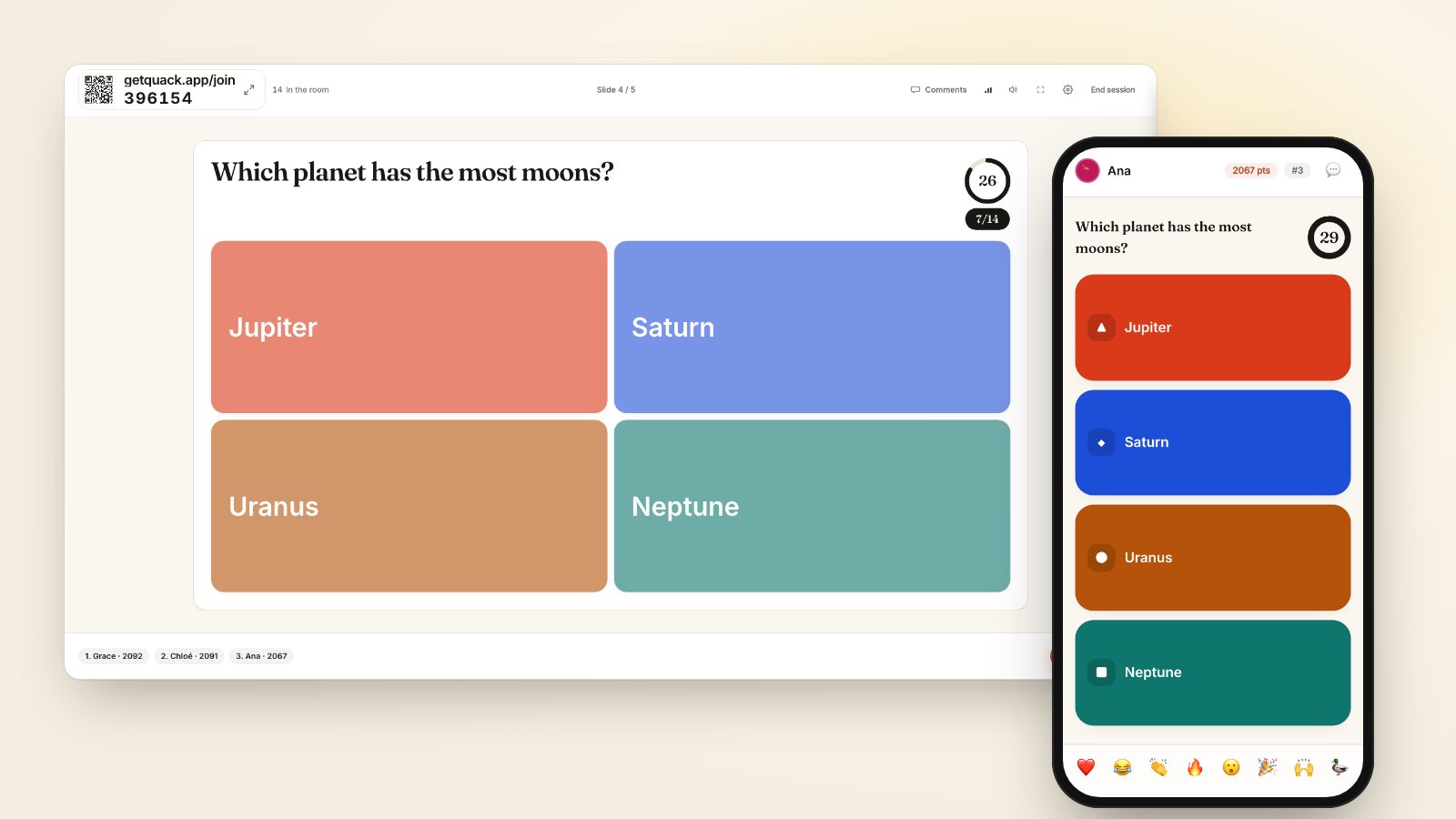
Look at the lobby counter in the corner of your slide. If you have twenty people in chairs and the counter says four, sixteen people never connected. People put their phones away after the introductory slide, or Wi-Fi dropped when thirty devices hit the venue access point simultaneously. Point directly to the PIN in the corner of the slide. State the address aloud: getquack.app/join. Give latecomers permission to connect while the slide runs, because anyone who joins mid-session can still participate immediately.
If the counter shows everyone is in the room, check the screen itself. Read your prompt aloud, word for word. In large rooms, small text or low-contrast projection washes out completely past row four. If your participants cannot read the choices, they wait for someone else to move first.
Lower the stakes when the prompt feels dangerous
When phones work and text is readable, silence usually means fear of exposure. High stakes freeze rooms.
If you ask an open-text prompt about organizational problems or personal shortcomings, people hesitate to type. They wonder who will see their name attached to their words. Make the privacy explicit in your spoken instructions. In Quack, polls, rating scales, word clouds, open text and Q&A are anonymous by design: the screen displays answers without names, and saved session results store only aggregate totals. Say that aloud: "This is anonymous; no names appear on screen or in my notes."
Leaderboard pressure also stalls rooms during scored questions. When speed counts in a scored round, a wrong answer earns nothing and a hesitant right answer earns less than a quick one, so people freeze instead of committing. Switching your deck to accuracy only removes the rush, granting full points for any correct answer submitted before the timer expires. You can read more about balancing competition in why participants guess early.
Narrow broad prompts into concrete choices
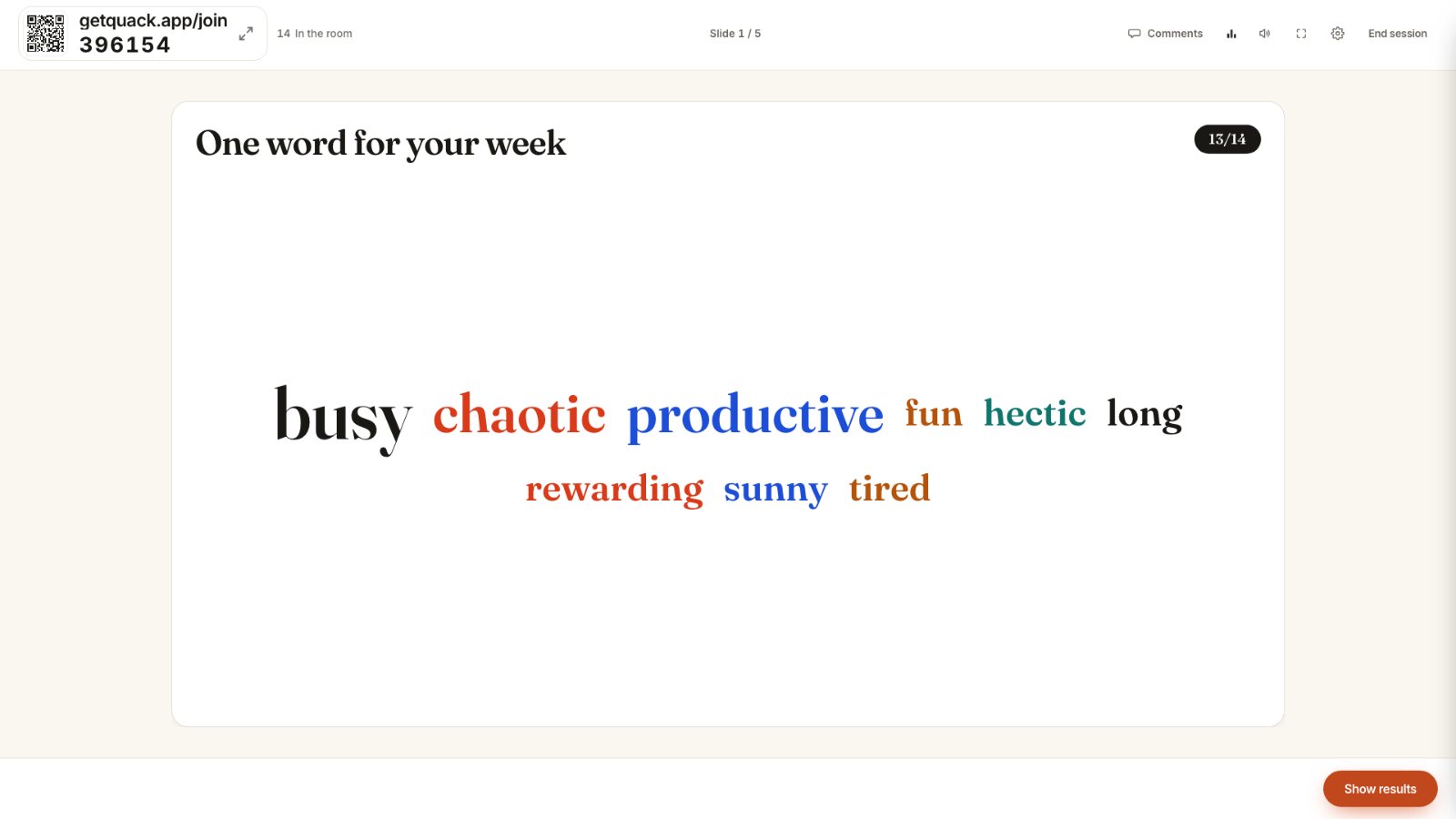
A blank text box paralyzes people who have too many thoughts or no immediate thought at all. If you put up an open prompt like "Any reflections on the Q3 roadmap?" expect long pauses. Participants do not know whether you want a single adjective, a strategic critique, or a budget question.
Rescue a stalled open prompt by narrowing the scope verbally. Step in with three specific categories: "Give me one risk, one blocker, or one thing we forgot." Providing constraints gives participants a starting point.
If an open text question fails to gain traction after twenty seconds, switch formats for the next topic. Use a rating scale or a ranking slide instead. Tapping a scale requires less vulnerability than writing complete sentences on a small keyboard. For open-ended warmups that run smoothly, see word cloud questions that actually work.
Give permission to talk before they tap
Total room silence often stems from social pressure: nobody wants to be the solitary person staring at a glowing phone in a quiet room. Break the silence by turning the question into a conversation before collecting answers.
Tell the room: "Turn to your neighbour. Take thirty seconds to agree on an answer, then submit your choice." The room volume rises instantly. Talking to a peer removes individual liability for picking a wrong option, while also clarifying misunderstandings about the question itself. Once two people talk, they tap their screens without self-consciousness.
This technique rescues complex multiple-choice prompts or conceptual checks. If an option divides the room, peer discussion draws out why common misconceptions seem plausible. Exploring those patterns is covered in quiz questions that split the room.
Call time early instead of letting the silence drag
The worst choice a facilitator can make during dead air is staring at the timer while twenty seconds tick away in silence. If five responses come in from twenty people and the stream stops completely, do not beg the remaining fifteen to hurry up.
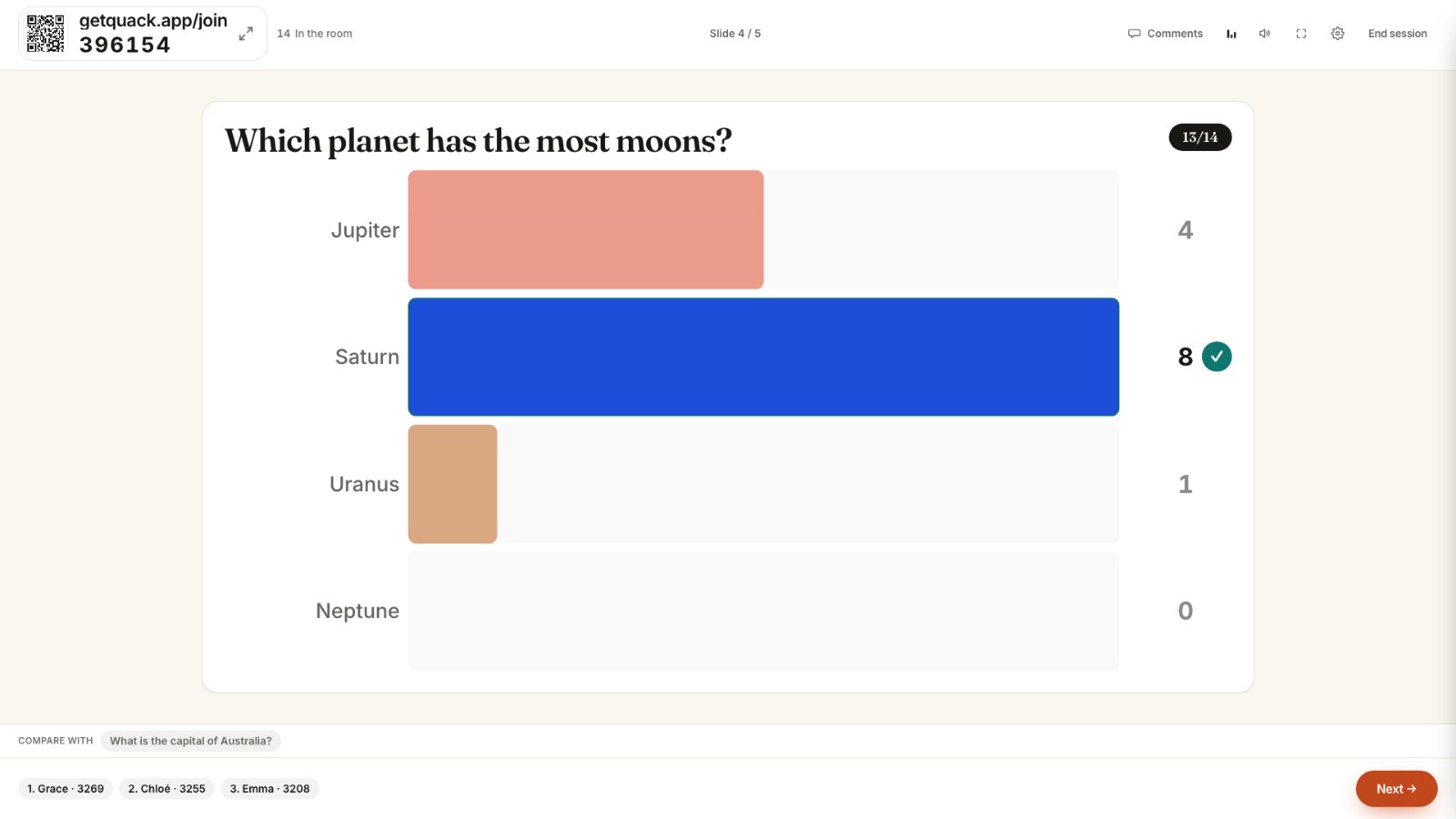
Hit Reveal Answer. Cutting the wait protects the energy of the people who already answered. Address the low turnout neutrally without scolding the room. Say: "Looks like this one caught people off guard. Let us look at what came in." Treat zero answers or low counts as useful data rather than a failure.
If nobody answered at all, reveal the slide, state the intended takeaway yourself in two sentences, and press forward to the next slide. A stalled question only ruins a workshop if the presenter dwells on the stall. Keep the pacing crisp, confirm the connection status on the next slide, and the room will re-engage on the following question.
In your next session, test this: when you introduce your first interactive slide, state aloud that answers are anonymous and invite neighbours to compare thoughts before tapping. Watch how quickly the counter moves.